Shuffle casino login, without the guesswork
Everything about signing in happens on shuffle.com — this page is the map, not the door. Below you will find what the real sign-in panel looks like, how to recover access when something goes wrong, and how to make sure the page asking for your password is the genuine one.
Sign-in happens on shuffle.com. Nothing you type here is submitted or stored.
Signing back in
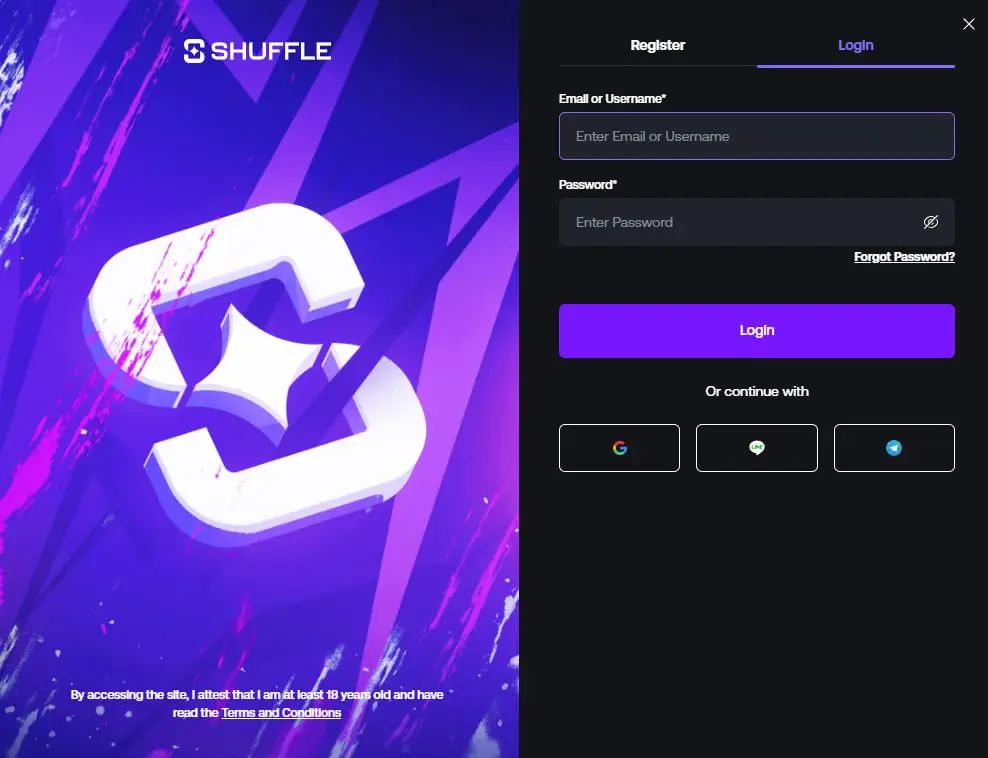
The login panel opens as an overlay from the Login button in the top-right corner of the Shuffle header — on desktop and on mobile. Enter the email address or username you registered with, then your password.
-
Registered through Google, Discord or Telegram?
Use the same sign-in method you used originally; an email and password will not exist on that account.
-
Two-factor enabled?
Have your authenticator app ready — codes rotate every 30 seconds.
-
Forgot Password?
The reset option sits directly under the password field and sends a link to your registered address.
-
Still locked out?
Live chat support is the fastest route, and they will ask you to confirm account details rather than your password.
New here? Register instead
The same overlay has a Register tab. That is the only place the Referral Code field appears, and the only moment SHFLVIP can be applied — it cannot be added to an account later.
See exactly where the referral field sits before you create the account.
Password and access basics
Use a password unique to this account — a manager-generated one is ideal, since a crypto balance is not something you want protected by a password reused from a forum in 2014.
Turn on two-factor authentication as soon as you are in, and store the backup codes somewhere that is not your phone.
Phishing is the real threat, not hackers. Fake casino sign-in pages copy the logo, the colours and the layout, then collect what you type. Check the address bar before entering anything, bookmark the genuine site rather than searching for it, and ignore direct messages or emails claiming your account needs "verification" through a link.
Five habits that protect a crypto casino account
Bookmark the real address
Typing a domain from memory or clicking a search ad is how people land on lookalikes. A bookmark removes the guesswork entirely.
Enable 2FA immediately
An authenticator app beats SMS. It is the single largest improvement you can make to account security in under a minute.
Never share codes or seeds
No legitimate support agent asks for your password, 2FA code or wallet seed phrase. Anyone who does is not support.
Withdraw to your own wallet
Keep long-term balances off any gambling platform. Cash out to a wallet you control and top up when you want to play.
Sign out on shared devices
Especially on a phone or laptop that other people use. Sessions persist, and a home-screen shortcut opens straight into your account.
Where to go next
Signed in and looking for something to play? Try the Shuffle casino games lobby, the sportsbook, or set up mobile access.
Login FAQ
No — and you should be wary of any independent site that says you can. Shuffle Canada is an information resource; the panel above simply takes you to the real platform where the actual sign-in happens.
Use Forgot Password under the password field and follow the reset link sent to your registered email. If you no longer control that address, contact live chat support directly rather than creating a second account.
Operators run identity and source-of-funds checks under their licence conditions, usually triggered by withdrawal size or account activity. Responding promptly through the official account interface is the quickest way through it.
No. Duplicate accounts breach the terms and can lead to closure and forfeited balances — including anyone hoping to claim the welcome bonus a second time.
No, it is the same account and the same overlay. The mobile guide covers adding a home-screen shortcut so you are not typing the address each time.
No account yet?
Create one with the referral code SHFLVIP for a 200% deposit bonus up to $1,000 — the code goes in during registration.